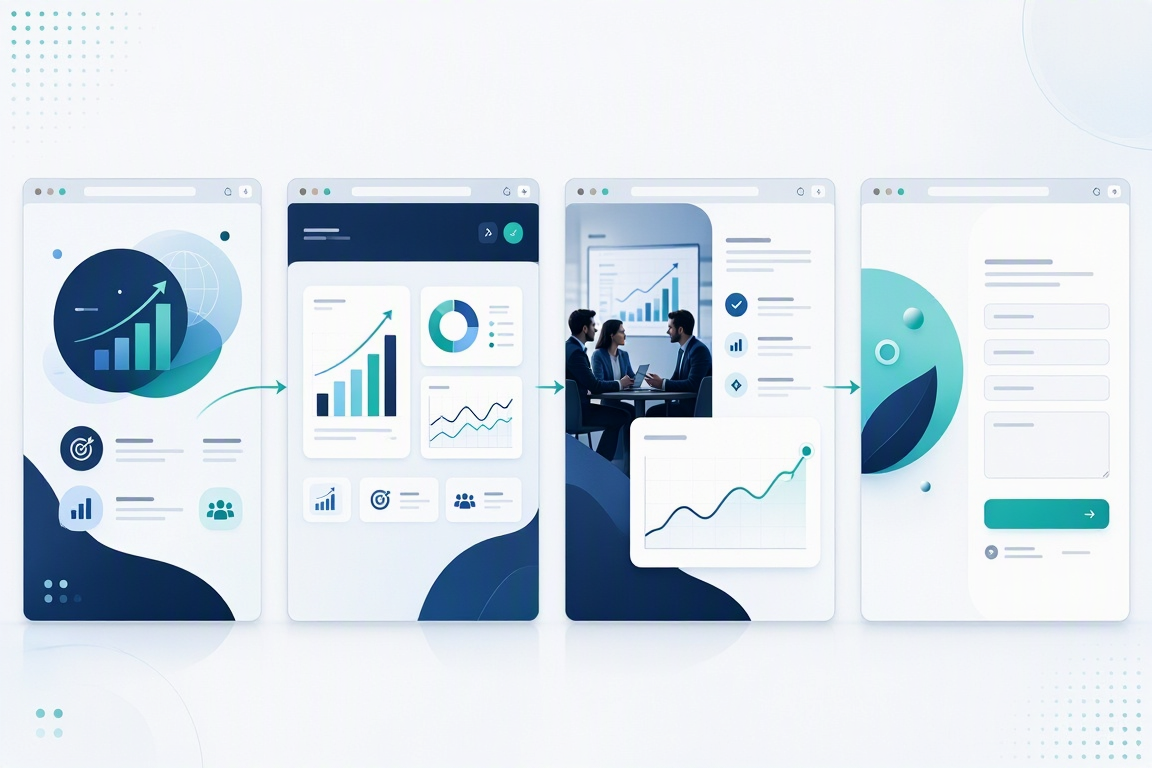
Launch a BI Firm Website That Turns Expertise Into Leads
Your BI website should sell business outcomes, not just dashboards. Learn what to include, how to capture qualified leads, and how to launch quickly without skipping the essentials.
By VIBETRINSIC TeamSep 27, 2026 5 min read
A prospect lands on your business intelligence firm’s website with a practical question: can you help us make better decisions with our data? A polished dashboard screenshot might catch their attention, but it will not answer that question alone.
A high-converting BI website connects your technical expertise to recognizable business problems, backs up your claims, and makes the next step easy. Here is how to build that foundation—and launch quickly with a reusable website prompt on VIBETRINSIC.
1. Lead With the Business Problem You Solve
“Clarity from Data” works as a starting headline, but it could describe almost any analytics company. Your homepage needs to tell visitors who you help, what improves, and why they should keep reading.
For example: “Reliable Power BI reporting for finance teams tired of spreadsheet month-end.” That headline identifies an audience, a platform, and a pain point. A supporting sentence can explain the delivery: data modeling, automated pipelines, and dashboards your team can maintain.
Make the first screen do three jobs
Establish relevance: name your buyer or their most expensive reporting problem.
Show credibility: include a permission-approved client logo, verified result, or relevant qualification.
Offer a next step: use a specific CTA such as “Discuss Your Reporting Project.”
Avoid giving every service equal prominence. If most profitable engagements start with dashboard modernization, make that the main story. Visitors should understand your strongest offer before they explore the full menu.
2. Give Every Page a Job in the Buying Journey
A complete BI firm website can include Home, Services, Platforms, Dashboards, Case Studies, About, Reviews, and Contact. The point is not to fill eight pages. Each page should resolve a different buying objection.
Explain the work, then show the evidence
On Services, describe dashboard design, data modeling, ETL, and training in terms of deliverables. “ETL consulting” is vague; “automated ingestion from your CRM and accounting tools, with documented transformation rules” gives buyers something concrete to evaluate.
The Platforms page should explain your experience with Tableau, Power BI, Looker, and Qlik where applicable. Distinguish platforms you actively support from ones you merely integrate with. Never imply partnership status or certifications you do not hold.
For Dashboards, pair each preview with its intended user, business question, and key decisions supported. Use synthetic or properly anonymized data, and label demos clearly. A screenshot of revenue trends becomes more persuasive when you explain how a sales manager uses it.
Case studies should connect a starting problem, your intervention, and a verified outcome. Include the measurement period and relevant context. If you lack client results, publish an explicitly labeled demonstration project instead of invented metrics.
About and Reviews build confidence in the people behind the work. Contact closes the loop. Add an FAQ block addressing project scope, access requirements, ownership, training, and support.
Each page should move a prospective client from understanding your offer to trusting your expertise and making contact.
3. Capture Qualified Leads Without Creating Friction
Your website’s primary conversion should match your sales process. A bespoke analytics consultancy usually benefits more from a scoping conversation than a generic “Buy Now” button.
Keep one main CTA consistent across the header, service pages, and case studies. A secondary offer—such as a reporting-readiness checklist—can serve visitors who are not ready to talk.
Ask for essentials: name, work email, company, and a short description of the reporting challenge.
Add useful qualification: current BI platform or project timeframe, preferably optional.
Explain the follow-up: say who will respond and give a timeframe you can reliably meet.
Minimize data exposure: tell prospects not to upload credentials, customer records, or sensitive datasets.
The supplied build brief routes forms to /api/apps/{{build_id}}/leads. Verify that every form uses the actual build ID, submits successfully, and reaches the owner inbox. Test confirmations, validation errors, and forwarding—not just the button’s appearance.
Practical tip: Submit a test inquiry from your phone before publishing. If you cannot find it in the lead inbox and understand what happens next, the conversion path is not ready.
4. Keep the Owner Admin Useful, Not Overloaded
A website that requires a developer for every testimonial update will quickly become stale. Your owner admin should make routine changes straightforward: branding, navigation, service descriptions, dashboard previews, FAQs, media, and lead management.
Prioritize those controls over optional features. The brief includes possibilities such as localization, chat, ecommerce, subscriptions, invoicing, and advertising. Leave them off unless they support a real business process. An AdSense slot, for example, is usually a distraction on a consulting firm’s lead-generation site.
Protect the admin with authentication and verify the route. The brief references both /admin and /ad; choose one canonical address and test it before handing the site to its owner.
Mobile optimization and a PWA manifest are useful defaults, but they do not replace testing. Check keyboard navigation, visible focus states, contrast, form labels, and image descriptions. An accessibility toggle alone does not establish WCAG conformance.
If you enable GA4, GTM, or custom tracking, configure consent behavior where required and test it. Privacy notices, retention settings, and data-request workflows also need review against your actual practices.
5. Launch Fast With a Focused Build-and-Test Sequence
VIBETRINSIC lets you start from proven prompts rather than a blank page. Use the BI website brief as a structured starting point, then replace generic defaults with your firm’s positioning and evidence.
Prepare a compact content pack. Gather your logo, brand color, target audience, main offer, platform expertise, approved testimonials, and one credible project example.
Customize the prompt. Define the headline, subheadline, services, dashboard examples, and primary CTA. Specify which optional features should remain disabled.
Generate the hosted site. Start with the public pages and owner admin. Inspect the output rather than assuming every requested feature is production-ready.
Replace all placeholders. Set the logo, footer, favicon, page content, and contact destination. The brief leaves {{cta_url}} blank until configured, so explicitly test every CTA.
Validate the complete inquiry path. Submit each form, check the inbox, confirm forwarding if enabled, and make sure success messages are accurate. Check that unauthenticated visitors cannot access admin functions.
Review mobile and discovery basics. Test menus, dashboard images, readable text, page titles, descriptions, and internal links. Compress large images and avoid loading unnecessary embeds.
Publish, then measure. Track qualified inquiries alongside visits, CTA clicks, and form submissions. Use sales feedback to improve weak pages.
A fast launch means reducing unnecessary scope, not skipping quality checks. Begin with a clear offer and a working lead path; add advanced features when demand justifies them.
6. Build a Sales Asset, Not Just a Digital Brochure
The strongest BI websites make expertise understandable: who you help, what you deliver, what evidence supports it, and how to begin. Keep that chain intact across every page.
A polished CPA website should do more than list services. Learn what builds client confidence, what makes inquiries easier, and how to launch quickly without skipping the essentials.
Facility managers need more than a list of pest treatments. Learn what builds trust, turns visits into qualified quote requests, and helps you launch a commercial pest control website fast.
Your website cannot deliver a scent through a screen, but it can make choosing one easier. Here’s how to turn fragrance notes, discovery sets, and a scent quiz into a storefront you can launch fast.