Launch a Streetwear Website Built to Sell Your Next Drop
Your next drop needs more than a bold homepage. Learn how to build a mobile-first streetwear site that sells products, captures waitlists, and launches fast.
By VIBETRINSIC TeamOct 7, 2026 5 min read
A streetwear website has two jobs: make people feel the brand and make buying easy. Striking photography can earn attention, but confusing sizing, vague release times, and a slow checkout can lose the sale.
The fastest route to launch is not designing every page from scratch. It is starting with a reusable structure for drops, collections, products, and lead capture, then customizing what makes your label distinctive. Here is what a high-converting streetwear brand website needs—and how to get yours live without turning the launch into a months-long project.
1. Make the next drop impossible to miss
Your homepage should answer three questions immediately: what is this brand, what can I buy, and what should I do next? Pair an expressive hero image with a specific headline and one primary action. “Shop the heavyweight essentials” is more useful than “Explore our universe.”
Match that action to your release cycle. During a launch, send visitors to the available collection. Between launches, prioritize the next-drop waitlist. Avoid giving an unavailable collection the same visual weight as products customers can buy today.
Latest drop: Show the collection name, availability, and a direct shopping link.
Upcoming release: Publish the date, time zone, and what signing up actually provides.
Lookbook teaser: Show how pieces fit and work together, with links to featured products.
Trust strip: Use genuine reviews, clear shipping information, or an understandable returns promise.
Keep the header lean: Shop, Drops, Lookbook, About, and a visible cart. Contact, Reviews, and FAQ can remain accessible without competing with the main shopping journey.
2. Turn editorial interest into confident purchases
A lookbook creates desire; a product page resolves uncertainty. Connect the two by linking each outfit to its available pieces. Do not make shoppers memorize a garment and hunt through the catalog.
Build product pages around fit and fulfillment
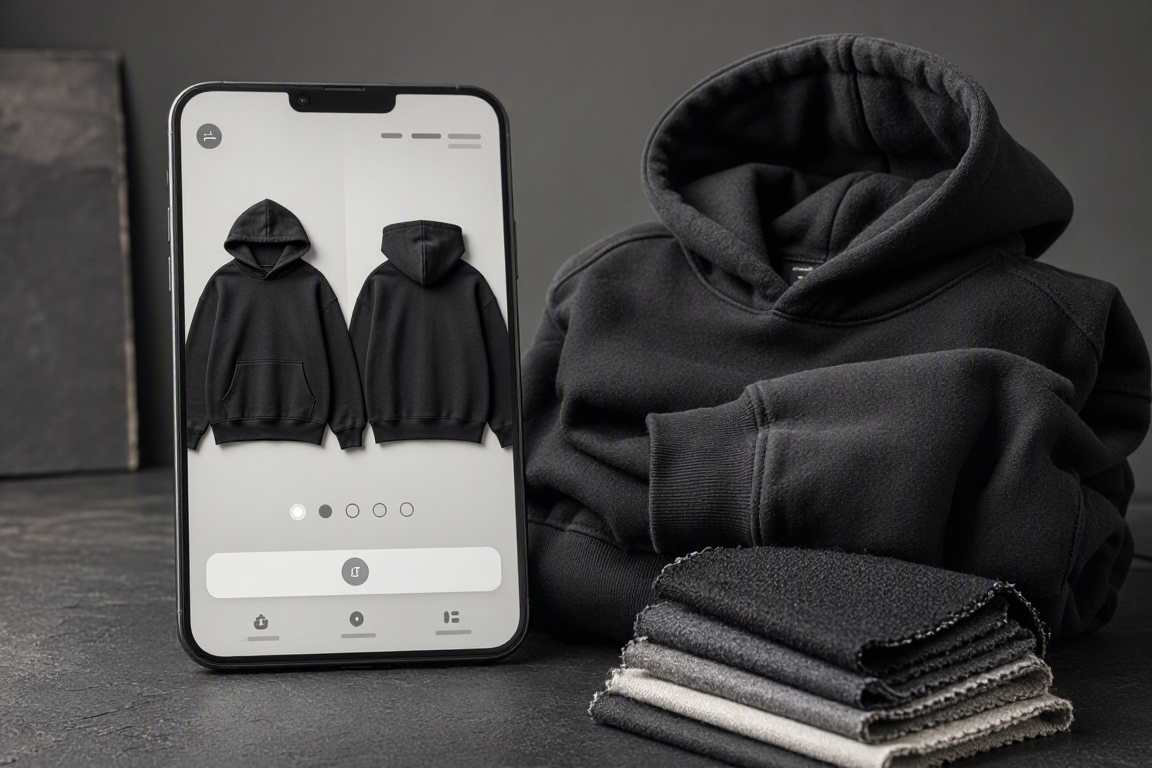
Use front, back, detail, and on-body images. Include fabric composition, garment measurements, model measurements, and the size worn. Explain whether a cut is oversized, cropped, or true to size rather than relying on labels alone.
Put price, size and color selectors, availability, and the add-to-cart button close together. Show unavailable variants clearly. Make shipping estimates and the returns policy easy to find before checkout, especially for limited drops or final-sale items.
In the catalog, offer filters that reflect your actual inventory: category, size, color, availability, and collection. On mobile, keep filtering accessible without letting it dominate the screen. Preserve selected filters when someone returns from a product page.
Designer tip: Treat the first mobile screen as valuable selling space. Shoppers should recognize the product and understand the next action without dismissing several overlays.
Guest checkout, clearly labeled payment options, and understandable error messages reduce avoidable friction. Test the entire purchase journey on a real phone, not just a desktop preview.
Pair strong product photography with clear variant selection and an easy mobile buying path.
3. Capture demand before—and after—the drop
Sold-out traffic should not become a dead end. A useful Drops page shows upcoming releases, archives past collections, and offers a relevant signup. Specify whether subscribers will receive a release reminder, restock alert, or early-access invitation; do not promise benefits you cannot deliver.
Keep the initial form short. Email may be enough; an optional size preference can help inform production decisions. Explain how you will use the information and separate promotional consent where required.
In the supplied website brief, public forms submit to /api/apps/{{build_id}}/leads. That creates a consistent lead-capture destination for the drop waitlist and contact form. Verify submissions reach the correct build and appear in the owner inbox before promoting the site.
Tag the source: Distinguish drop waitlists, restock requests, and general inquiries.
Confirm the action: Display a success message that sets expectations.
Plan follow-up: Connect and test your chosen email workflow rather than assuming capture also sends campaigns.
Respect privacy: Publish relevant notices and define export, deletion, and retention procedures.
4. Give the owner control without adding launch clutter
A streetwear brand needs frequent updates: sold-out sizes, new photography, release announcements, and shipping changes. The owner should be able to manage these without rebuilding the site.
The brief calls for an authenticated /admin space covering branding, a page builder, media, navigation, drops, products, leads, and orders. Prioritize those operational essentials first. Keep public browsing separate from admin access, and verify authentication protects management routes and customer information.
Enable capabilities when they serve the business
The broader brief includes localization, analytics, chat, invoicing, multiple payment methods, and other extensible settings. Treat these as configuration requirements to verify, not evidence that every external service is connected out of the box.
Start with the currency, shipping regions, tax configuration, and payment gateway your business actually needs. Keep nonessential advertising or chat widgets off the launch path. Consent-gate analytics where required, and remember that an accessibility toggle alone does not establish WCAG conformance: test contrast, keyboard navigation, form labels, and focus states.
5. Launch fast with a focused build-and-test sequence
Use VIBETRINSIC’s prompt marketplace and AI app builder to start from a proven structure rather than a blank canvas. A hosted starting point saves setup time, but publishing and being ready to accept orders are different milestones.
Start with the streetwear brief. Copy the prompt and generate the initial site. Review the seeded pages and owner-admin requirements against your launch needs.
Replace the defaults. Add your logo, colors, photography, headline, footer, favicon, and contact details. Set the CTA destination; the brief leaves {{cta_url}} blank until configured.
Load a small, accurate catalog. Add your launch collection, variants, prices, inventory, size guidance, and product imagery. Remove sample products and reviews.
Configure selling and capture. Connect supported services, set shipping and tax rules, and test waitlist and contact submissions. Never send payment-card details through a lead form.
Run end-to-end checks. Test a successful order, declined payment, unavailable size, confirmation email, and refund workflow. Check mobile navigation, accessibility, and admin permissions.
Publish and measure. Verify the public URL, then track product views, add-to-cart actions, checkout completion, and waitlist signups using your configured analytics.
6. Launch the essentials, then improve the bottleneck
Your first release needs a clear offer, convincing product information, trustworthy checkout, and working lead capture—not every possible feature. After launch, use customer questions and funnel data to identify the next improvement. Repeated sizing questions suggest better fit guidance; checkout abandonment calls for investigating costs, errors, and payment friction.
Ready to build? Try the Streetwear Brand Website prompt on VIBETRINSIC, create your hosted starting point, and customize it around your next drop. Move fast on the structure, then verify the details that turn interest into orders.
A polished CPA website should do more than list services. Learn what builds client confidence, what makes inquiries easier, and how to launch quickly without skipping the essentials.
Facility managers need more than a list of pest treatments. Learn what builds trust, turns visits into qualified quote requests, and helps you launch a commercial pest control website fast.
Your website cannot deliver a scent through a screen, but it can make choosing one easier. Here’s how to turn fragrance notes, discovery sets, and a scent quiz into a storefront you can launch fast.