AI Grocery List Builder: From Meal Ideas to a Shareable App
Turn scattered meal ideas into an aisle-organized shopping list. Learn how to use the tool and build a branded version on VIBETRINSIC in minutes.
By VIBETRINSIC TeamOct 28, 2026 6 min read
Turn scattered meal ideas into an aisle-organized shopping list. Learn how to use the tool and build a branded version on VIBETRINSIC in minutes.
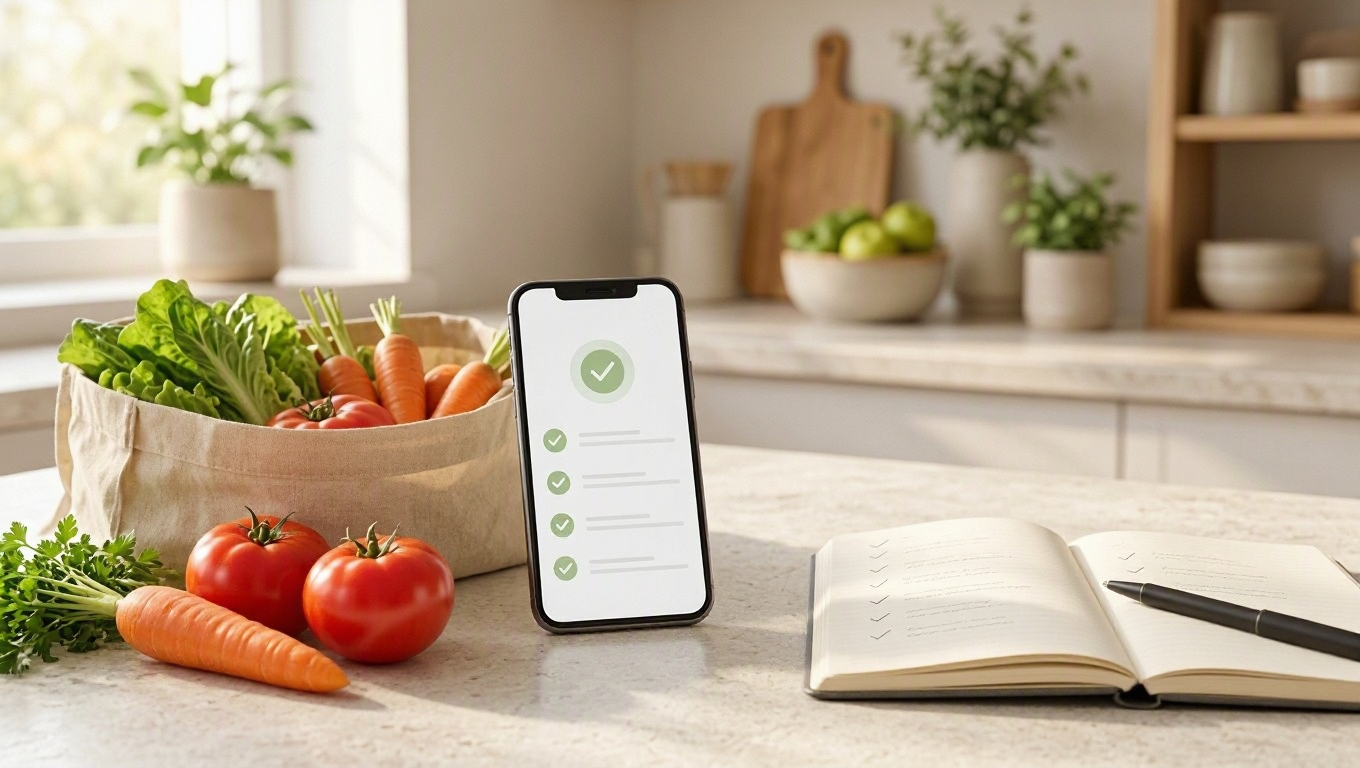
A meal plan is only useful if it survives the trip to the grocery store. Scattered ingredients, duplicate items, and vague quantities can turn a simple shopping run into extra purchases and forgotten essentials. An AI Grocery List Builder bridges that gap: enter your plans, get an organized list, and copy it before you leave.
For marketers, agencies, founders, and small-business owners, it is also a practical utility to offer an audience. Here is how to use it well—and build a branded version on VIBETRINSIC without turning a helpful tool into an unnecessarily complicated project.
The app turns meal-planning inputs into a grocery list grouped by aisle. Its public form asks for the number of days, meals per day, dietary preferences, and any meals already planned. On submission, the AI streams a list with quantities under categories such as produce, dairy, pantry, meat, and frozen.
Instead of collecting ingredients separately for every recipe, users get one consolidated shopping reference. The intended result combines shared ingredients and places them where shoppers are likely to look. Users can copy the result or export it as text; a spreadsheet or account should not be necessary.
Think of it as a planning assistant, not an inventory system. Unless you add those capabilities, it does not know what is in your refrigerator, check local stock, or calculate current grocery prices. It can also make mistakes, so quantities and dietary compatibility deserve a quick review.
That narrow scope is useful: one clear input, one actionable output, and very little friction.
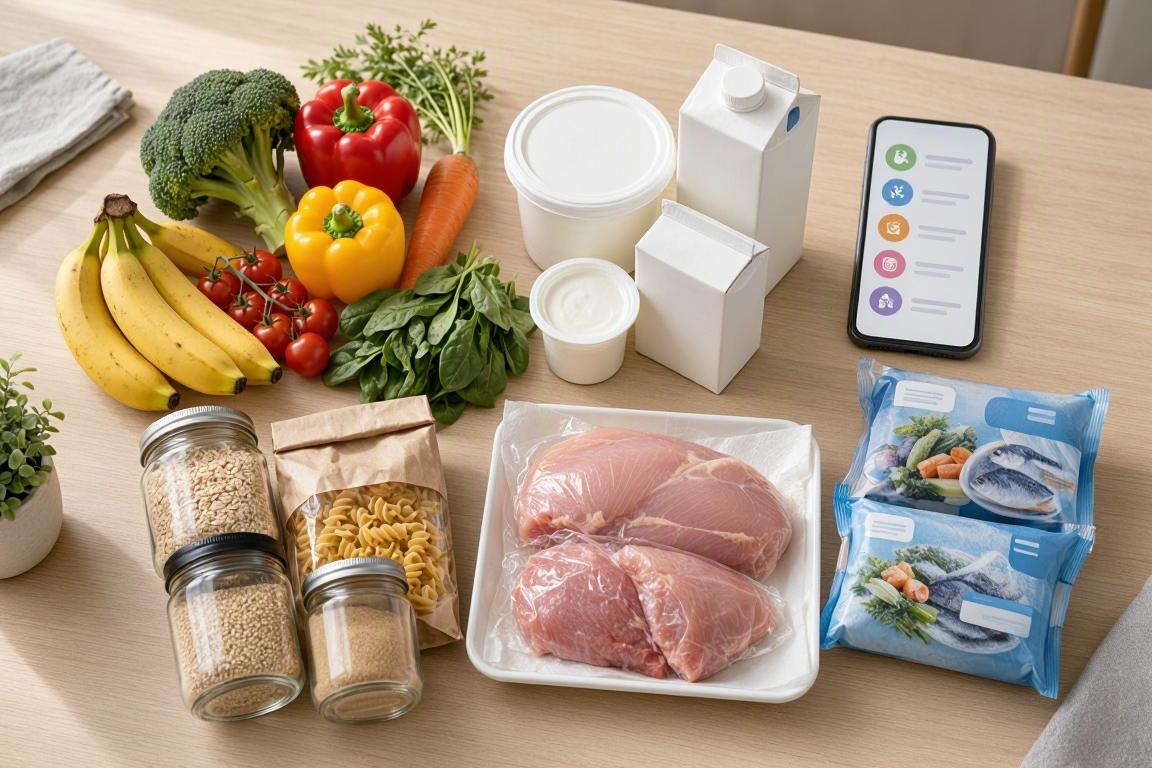
Start with your real shopping horizon. Three days of dinners is a different task from seven days of breakfast, lunch, and dinner. Then describe dietary preferences clearly and name the meals you already intend to cook.
The default form does not include a separate household-size field. Until you add one, put serving counts in the planned-meals input. Otherwise, quantities may be based on assumptions that do not fit your household.
Tip: Ask for consistent units and clear assumptions. “Use ounces for packaged ingredients and counts for whole vegetables; state any serving assumptions” is more useful than “make a good shopping list.”
For allergies, review ingredient labels and cross-contamination warnings yourself. An AI-generated list is not a guarantee that a product or recipe is safe.
The strongest use cases connect the utility to an existing audience need. A grocery tool works better beside relevant content or services than as an unrelated giveaway.
For marketers, usefulness is the conversion strategy. Let someone finish a real task first, then offer a relevant next step: a weekly meal-plan newsletter, a class, or a consultation. The default experience has no lead gate, which keeps that first interaction focused on the result.
VIBETRINSIC lets you copy proven prompts and build hosted tools and AI micro-apps in one click. Use the AI Grocery List Builder brief as your starting point. Aim to create the first version in minutes, then allow additional time for configuration and testing.
Find the AI Grocery List Builder in the marketplace and use it to start your app. Keep the initial scope intact: a public input form, streamed aisle-grouped results, quantities, copy, and text export. The brief specifies the public experience at / and a portal-authenticated owner area at /admin.
In the owner admin, replace the placeholder logo and default color. Update the headline, subheadline, and footer. A headline such as “Plan Your Dinners, Simplify Your Shopping” explains the benefit; the subheadline can tell visitors exactly what information to enter.
Select your AI provider and model, supply the required API key, and review the prompt template. Check any provider billing requirements before sharing publicly. Keep keys out of public-facing content and verify that credentials are handled securely.
Start with the default aisle categories, then extend them where useful. Bakery, beverages, and household supplies might suit your audience. Ask the prompt to consolidate duplicates, use consistent units, explain serving assumptions, and flag unclear dietary instructions.
The lead gate starts off. The CTA also starts disabled, with its destination blank. If you enable a CTA, set its type, button text, and destination URL rather than leaving placeholder settings in place.
If you enable lead capture, configure the provider or webhook and use Test Connection. The brief specifies lead submission to /api/apps/{{build_id}}/leads. Check consent language, forwarding, and CSV export before collecting real submissions.
Run several meal plans through the public page. Confirm that results stream, categories make sense, and copy and text export work. Check mobile usability and that the admin requires authentication. Then use the Share options for the public URL, embed, or QR code.

A polished interface cannot compensate for inconsistent grocery lists. Test a small set of deliberately different inputs:
Look for duplicate items, missing quantities, incompatible suggestions, and truncated output. Adjust prompt templates and category presets based on failures. If serving ambiguity keeps appearing, add a dedicated servings field instead of relying on users to remember extra instructions.
Before promotion, configure rate limits and log retention in the moderation settings. Avoid collecting unnecessary personal information. Measure completed lists, successful exports, and relevant CTA clicks where available—not just page visits.
The best first version makes one task easier: turning meal ideas into a shopping list someone can use today. Keep access simple, make assumptions visible, and earn attention through the quality of the result.
Ready to build yours? Try the AI Grocery List Builder on VIBETRINSIC, customize the branding, and test a real meal plan before sharing it with your audience.

Turn workload details into a useful monthly cloud estimate—and a qualified inquiry. Learn how to use the calculator and build a branded lead app in minutes on VIBETRINSIC.

Turn rough drafts into clear, audience-ready copy without losing the meaning. Learn how to use a multi-tone paraphraser and build a branded version on VIBETRINSIC.
Turn food preferences into a seven-day meal plan, grocery list, and prep guide. Learn how to use the planner and build a branded version on VIBETRINSIC in minutes.