Cloud Cost Estimator: Plan Spending and Capture Better Leads
Turn workload details into a useful monthly cloud estimate—and a qualified inquiry. Learn how to use the calculator and build a branded lead app in minutes on VIBETRINSIC.
By VIBETRINSIC TeamOct 29, 2026 5 min read
“What will this cost each month?” is often the first question a buyer asks about cloud infrastructure. A useful answer needs more than a server price: storage, databases, data transfer, backups, and resilience all affect the bill.
A Cloud Cost Estimator turns those requirements into a planning estimate. Built as a VIBETRINSIC micro-app, it also gives your business a branded lead magnet: visitors get immediate value, while your team receives workload details that make follow-up more relevant.
1. What the Cloud Cost Estimator does
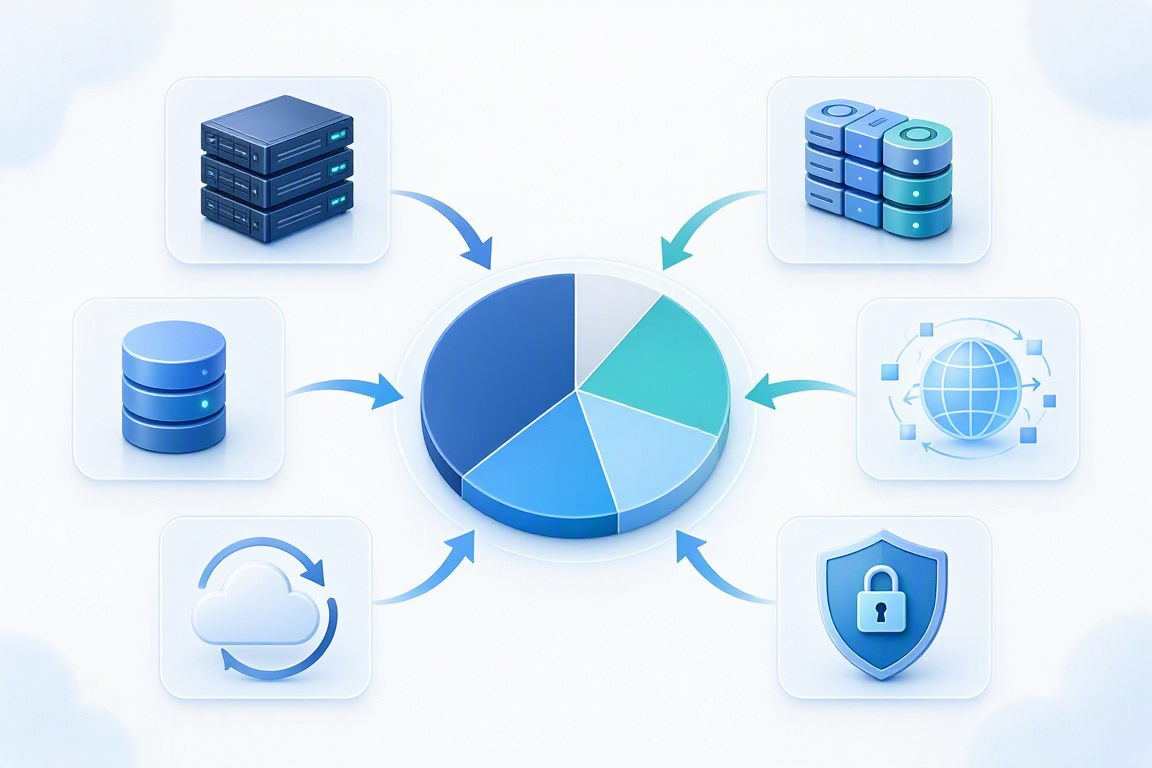
The app collects compute needs, storage, database requirements, bandwidth, regions, redundancy, backup settings, security services, and provider preference. It then shows an estimated monthly total, a category breakdown, a pie chart in your brand color, and potential cost optimization opportunities.
The public calculator lives at /. Its owner workspace lives at /admin, where you manage branding, pricing, optimization rules, result copy, lead capture, and the next-step CTA.
The important distinction is that this is a planning tool, not a binding provider quote. Its usefulness depends on the pricing data and assumptions behind it. Unless you configure and verify a live pricing integration, treat its rates as editable reference data—not automatically current provider prices.
Tip: Put the pricing date and key assumptions beside the result. “Estimated using 730 hours per month, on-demand rates, and the selected region” is more trustworthy than an unexplained dollar figure.
2. Who benefits from this tool?
You do not need to sell cloud infrastructure directly to make the estimator useful. It fits any business whose buyers need help connecting technical requirements to a budget.
Cloud consultants and managed service providers: collect enough context to start a migration or optimization conversation.
Agencies: help clients budget for hosting a website, customer portal, or custom application.
Founders: compare an initial workload with a growth scenario before committing to an architecture.
Marketers: replace a generic contact form with a practical, intent-driven lead magnet.
Small-business owners: understand likely spending categories before asking for proposals.
For example, an agency can share the calculator alongside a portal proposal. The client sees which infrastructure choices affect monthly spending, and the agency receives a more useful inquiry than “Please send pricing.”
A useful estimate separates resource costs so visitors can see what drives spending.
3. How to use it for a meaningful estimate
Start with a workload, not a provider logo
Describe what the application needs to do. Enter the compute capacity and operating hours, storage volume, database requirements, and expected outbound traffic. If you do not know an input, use a clearly labeled assumption rather than quietly treating it as zero.
Next, select the region and reliability requirements. Multiple running instances, replicated databases, and backup retention can change the estimate substantially. Security services should reflect your actual requirements, not a blanket surcharge.
Check the calculation behind the chart
A transparent estimate adds the relevant monthly components:
Storage: provisioned capacity × monthly unit rate, plus applicable requests or performance charges.
Database: instance, storage, I/O, and replica costs where applicable.
Bandwidth: chargeable transfer × the applicable rate or pricing tier.
Supporting services: backups, security, and other explicitly included items.
Redundancy should increase the resources it duplicates; avoid charging for it again as an unexplained extra. Also distinguish internet egress from inter-region transfer, and state whether taxes, support plans, discounts, and free tiers are excluded.
Run at least two scenarios: your expected starting workload and a plausible growth workload. Compare totals and cost drivers. Optimization suggestions—such as right-sizing compute or changing storage tiers—should explain trade-offs, not promise guaranteed savings.
4. Build your branded version in minutes
VIBETRINSIC lets you start from a proven prompt and generate a hosted micro-app. The initial build can take minutes; reviewing pricing and testing integrations still deserves care.
Find the Cloud Cost Estimator prompt. Open it in the marketplace and use it as the starting brief. Keep both the public calculator and owner admin requirements.
Set your brand. Replace {{logo}} and {{brand_color}} with your assets. Write a headline and subheadline that explain who the estimate is for.
Define calculation assumptions. Specify monthly hours, units, supported regions, provider rates, and included services. Require visible assumptions in the result.
Choose your next step. Set the CTA type, button text, and {{cta_url}}. A consultation booking link often fits better than a generic homepage.
Generate the app. Request the public face at / and the owner workspace at /admin. Check that the calculator displays the monthly cost before asking for contact details.
Review the owner settings. Inspect branding, provider pricing, optimization rules, and result copy. Configure lead forwarding if needed.
Test and share. Calculate a known workload, submit a test lead, inspect the inbox, and confirm the CTA destination before distributing the public URL.
The brief starts with a placeholder logo, default color, “Estimate Cloud Cost” headline, an enabled inbox, and an email-to-inbox CTA. The external CTA URL stays blank until configured, so check the generated button behavior before launch.
Review both the visitor experience and owner controls before sharing your estimator.
5. Capture leads without hiding the useful answer
Show the monthly estimate before the gate. Then invite visitors to submit their details for a consultation or a more detailed review. Explain what they will receive, and do not promise a report unless you have built that delivery flow.
On submission, the app should POST lead data to /api/apps/{{build_id}}/leads and forward it when a destination is configured. In /admin, the brief calls for a provider selector, API key or webhook URL, Save, and Test Connection controls.
The leads table should include name, email, phone, compute needs, estimated cost, date, and forwarding status, with CSV export. Collect only necessary contact fields; phone can be optional when email is enough.
Verify that admin access requires owner authentication and that integration credentials stay server-side. Add a clear privacy notice, validate submissions, and check that a forwarding failure remains visible rather than silently losing the inquiry.
6. Launch with confidence, then improve
Before sharing, check three cases: a small workload, a realistic customer workload, and an unusually large input. Look for negative values, missing rates, double-counted resources, and charts that disagree with the total. Test the form on mobile and confirm that leads arrive with their workload context.
After launch, use common questions to improve explanations and defaults. Review pricing regularly, and treat estimates as the beginning of a conversation—not a substitute for architecture discovery.
Ready to turn cloud budgeting into a useful customer touchpoint? Try the Cloud Cost Estimator on VIBETRINSIC, build your branded app, and give prospects a clearer path from requirements to a practical next step.
Turn rough drafts into clear, audience-ready copy without losing the meaning. Learn how to use a multi-tone paraphraser and build a branded version on VIBETRINSIC.
Turn food preferences into a seven-day meal plan, grocery list, and prep guide. Learn how to use the planner and build a branded version on VIBETRINSIC in minutes.