AI Meal Plan Maker — Weekly: Plan Meals and Build Your Own
Turn food preferences into a seven-day meal plan, grocery list, and prep guide. Learn how to use the planner and build a branded version on VIBETRINSIC in minutes.
By VIBETRINSIC TeamOct 28, 2026 5 min read
A weekly meal plan is useful only if it fits real life: the foods people eat, the ingredients they avoid, and the time they actually have to cook. AI Meal Plan Maker — Weekly turns those constraints into a seven-day plan with a consolidated grocery list and prep tips. For marketers, agencies, founders, and small-business owners, it also offers a practical starting point for a branded AI utility on VIBETRINSIC.
1. What AI Meal Plan Maker — Weekly does
The app follows a simple workflow: preferences in, weekly plan out. Users enter their diet, calorie goal, allergies, household size, and cooking time budget. On submission, the app streams breakfast, lunch, and dinner suggestions for seven days, followed by a grocery list and preparation guidance.
Instead of searching for individual recipes and combining shopping lists manually, users receive one organized starting point. They can copy the result or download it as a .md file, a plain-text Markdown document that is easy to save or edit.
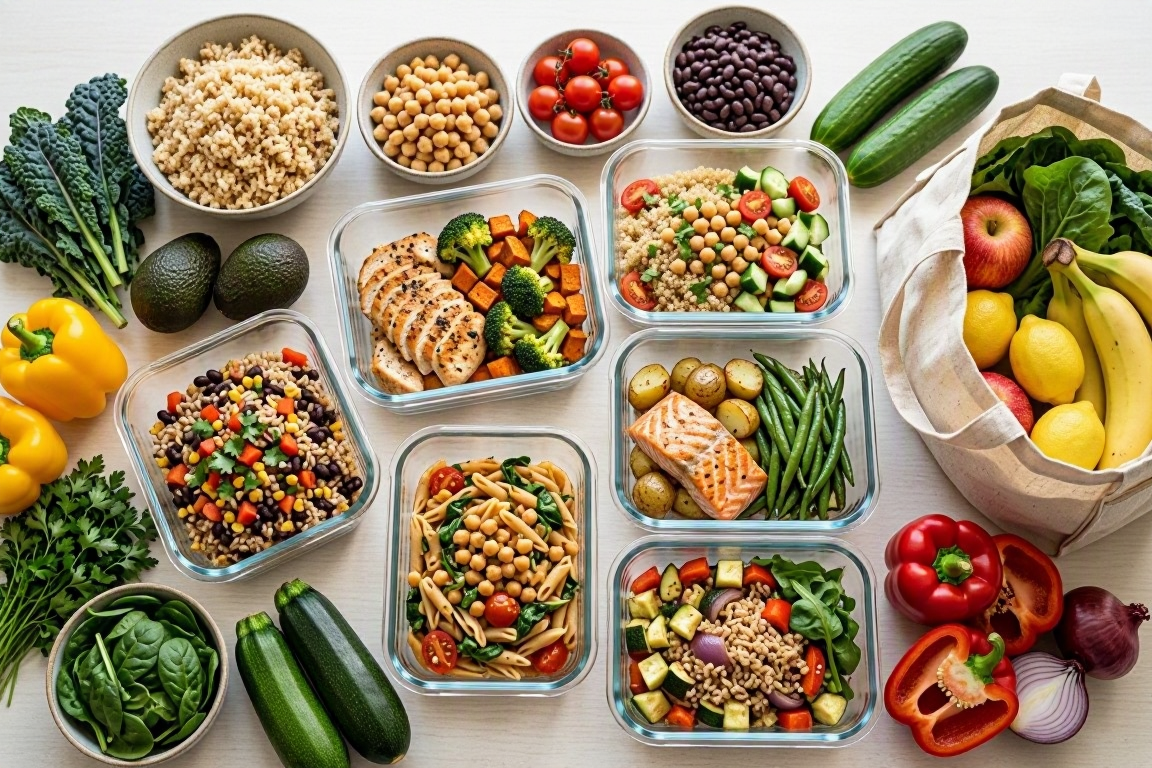
Seven-day meal plan: breakfast, lunch, and dinner organized by day.
Consolidated grocery list: repeated ingredients combined rather than listed separately for every meal.
Prep tips: suggestions for batching tasks and making busy nights easier.
The public app lives at /, while owner controls live at /admin behind portal authentication. Results are ungated by default, so visitors can get value without handing over their email address.
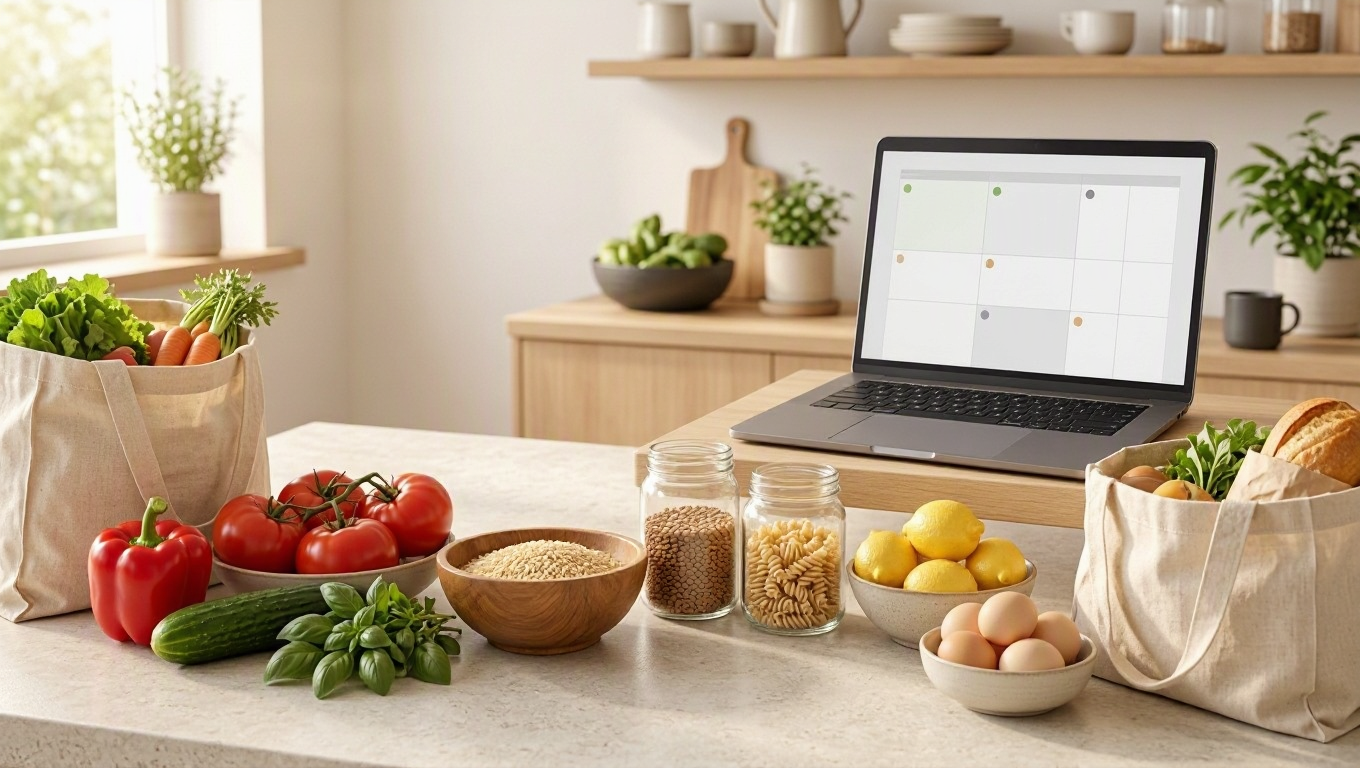
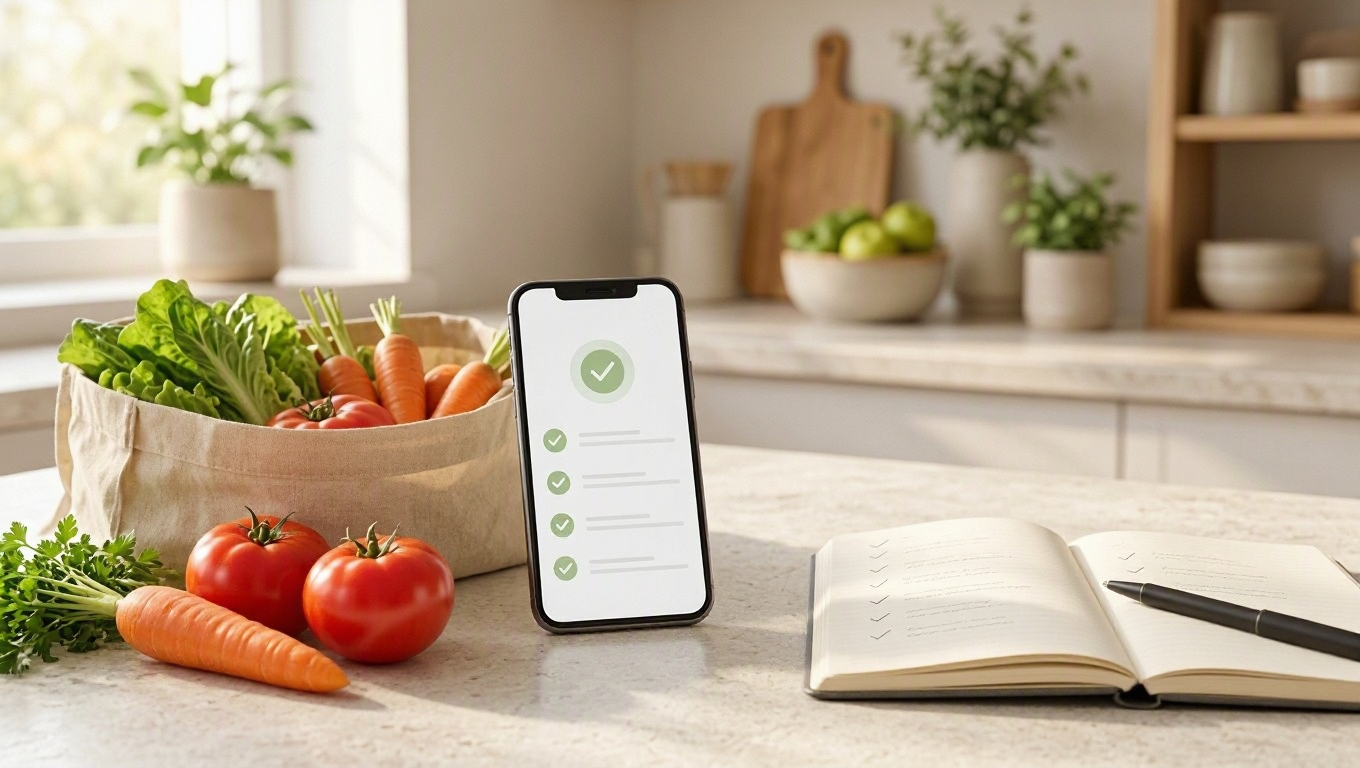
Turn a weekly plan into a practical shopping and preparation routine.
2. Who it is for—and where it adds value
The clearest consumer audience is people who want less friction around weekly cooking: busy households, beginners, and anyone tired of deciding what to eat every evening. The business opportunity is providing that convenience in a context where it supports your brand.
Useful business applications
Fitness and wellness businesses: offer a general planning resource alongside educational content, with clear limits around personalized nutrition advice.
Food creators: help readers organize a week of meals, then invite them to explore a recipe collection.
Agencies: build branded utilities for clients without starting every project from a blank specification.
Founders: test interest in a narrow planning use case before investing in a larger product.
Start with one audience rather than trying to serve everyone. A planner for vegetarian households with 25-minute dinners has a clearer promise than a generic tool covering every possible diet. The preset lists are extensible, so you can add relevant options as you learn what users need.
3. How to get a useful weekly meal plan
Better inputs usually produce a more practical plan. Choose the closest diet preset, enter a realistic calorie goal if you have one, list allergies explicitly, and set the household size. Treat the cooking time budget as a genuine limit—not an aspirational one.
Choose your eating pattern. Select vegetarian, omnivore, keto, or another available preset.
Clarify the calorie target. State whether it applies per person, per day. Owners should make that meaning explicit in the form.
List allergies carefully. Name each allergen rather than relying on a broad diet label.
Set servings and time. Enter the number of people and a cooking budget you can consistently manage.
Generate and review. Check all seven days, the grocery quantities, and the prep suggestions before shopping.
For example, a vegetarian household of two with a 30-minute cooking budget should receive a different plan from one omnivore cooking for five. Review whether portions reflect the household size and whether the meals actually fit the time limit.
Tip: Check the grocery list against your pantry before shopping. A consolidated list saves organization time, but it cannot know which ingredients you already have unless that information is supplied.
AI-generated calorie figures are estimates, not verified nutritional analysis. Allergy exclusions also require checking ingredient labels and cross-contact risks. This planner should not replace medical advice or a qualified dietitian, particularly for medical diets or severe allergies.
4. Build your branded version in minutes
VIBETRINSIC lets you start from a proven prompt and build a hosted app in one click. The fastest approach is to launch a focused first version, then refine it after testing. Creating the initial app can take minutes; checking its outputs deserves additional time.
Find the weekly meal planner. Open the marketplace listing and use its build option to create your app.
Set the branding. In the owner admin, replace the placeholder logo and default color. Customize the headline, subheadline, and footer to describe your audience and promise.
Configure the AI. Select the provider and model, supply the required API key, and review the temperature, system prompt, and meal templates.
Refine the inputs. Customize diet presets and meal slots. Make calorie units, serving assumptions, and cooking-time expectations unambiguous.
Keep the first experience simple. Leave the lead gate off and the optional CTA disabled until the core result works well.
Test complete plans. Try different household sizes, restrictive diets, and short cooking budgets. Confirm that copy and .md download work.
Share the app. Use its public URL, embed option, or QR code wherever your audience already engages with you.
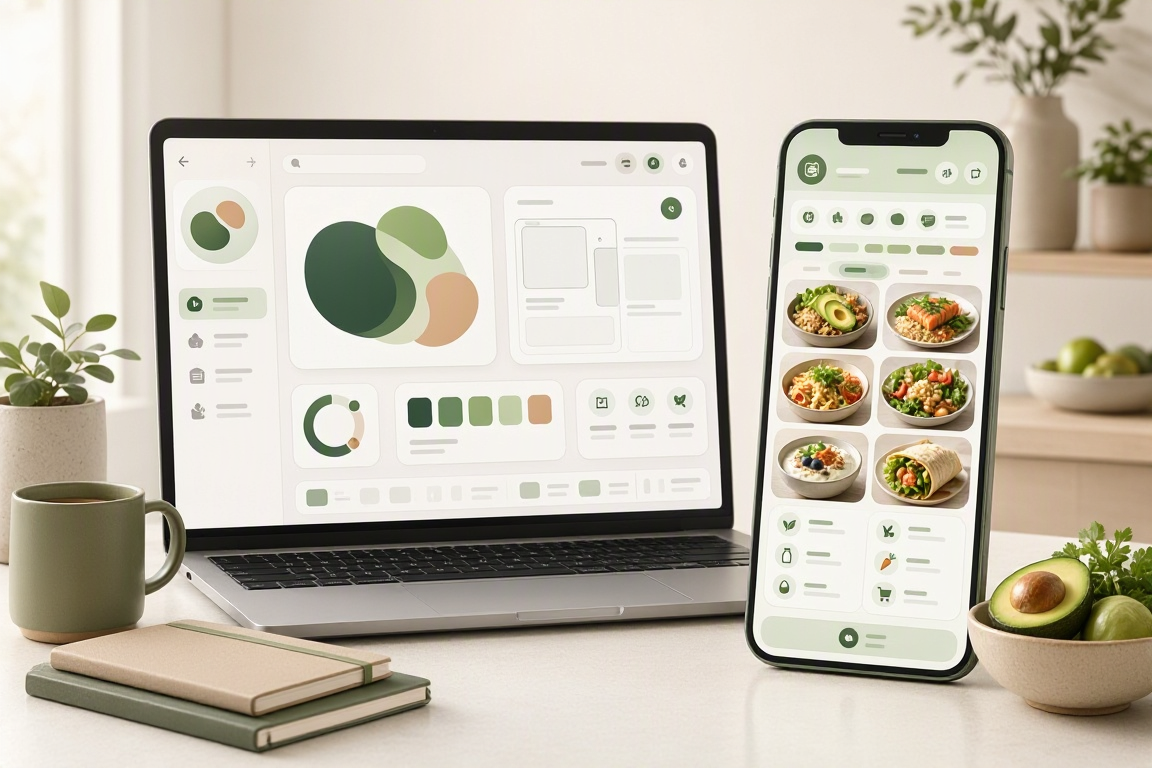
Customize the branding and inputs, then test the planner before sharing it.
Before sharing widely, check that grocery quantities reconcile with the meal plan and that repeated ingredients use consistent units. If the model misses an allergy or invents implausible portions, revise the instructions and retest rather than treating a polished layout as proof of quality.
5. Add lead capture without undermining trust
The lead gate is off by default. That makes the app useful as a low-friction resource. If lead generation is your goal, the owner can enable the gate and configure a capture provider using an API key or webhook URL. Save the configuration and test the connection before sending traffic.
With gating enabled, form submission posts to /api/apps/{{build_id}}/leads. The admin supports a leads table, CSV export, and forwarding. Explain what contact information you collect and how you will use it; avoid forwarding dietary or allergy details unless necessary and clearly disclosed.
A softer alternative is the optional CTA after delivering value. Configure its type, button text, and destination URL, then enable it. The default email-to-inbox CTA starts disabled, and the destination is blank until set.
Also review blocked topics, the PII toggle, rate limits, and log retention. Keep provider credentials in owner configuration—not in public-facing prompts or result copy.
6. Launch a useful planner, then improve it
A strong first version needs a clear audience, realistic inputs, readable meals, and a grocery list people can use. Watch for recurring problems such as oversized shopping quantities, repetitive lunches, or dinners that exceed the cooking budget. Improve the editable prompt and templates around those specific failures.
Turn workload details into a useful monthly cloud estimate—and a qualified inquiry. Learn how to use the calculator and build a branded lead app in minutes on VIBETRINSIC.
Turn rough drafts into clear, audience-ready copy without losing the meaning. Learn how to use a multi-tone paraphraser and build a branded version on VIBETRINSIC.